 Sound Control
Sound levels for Android
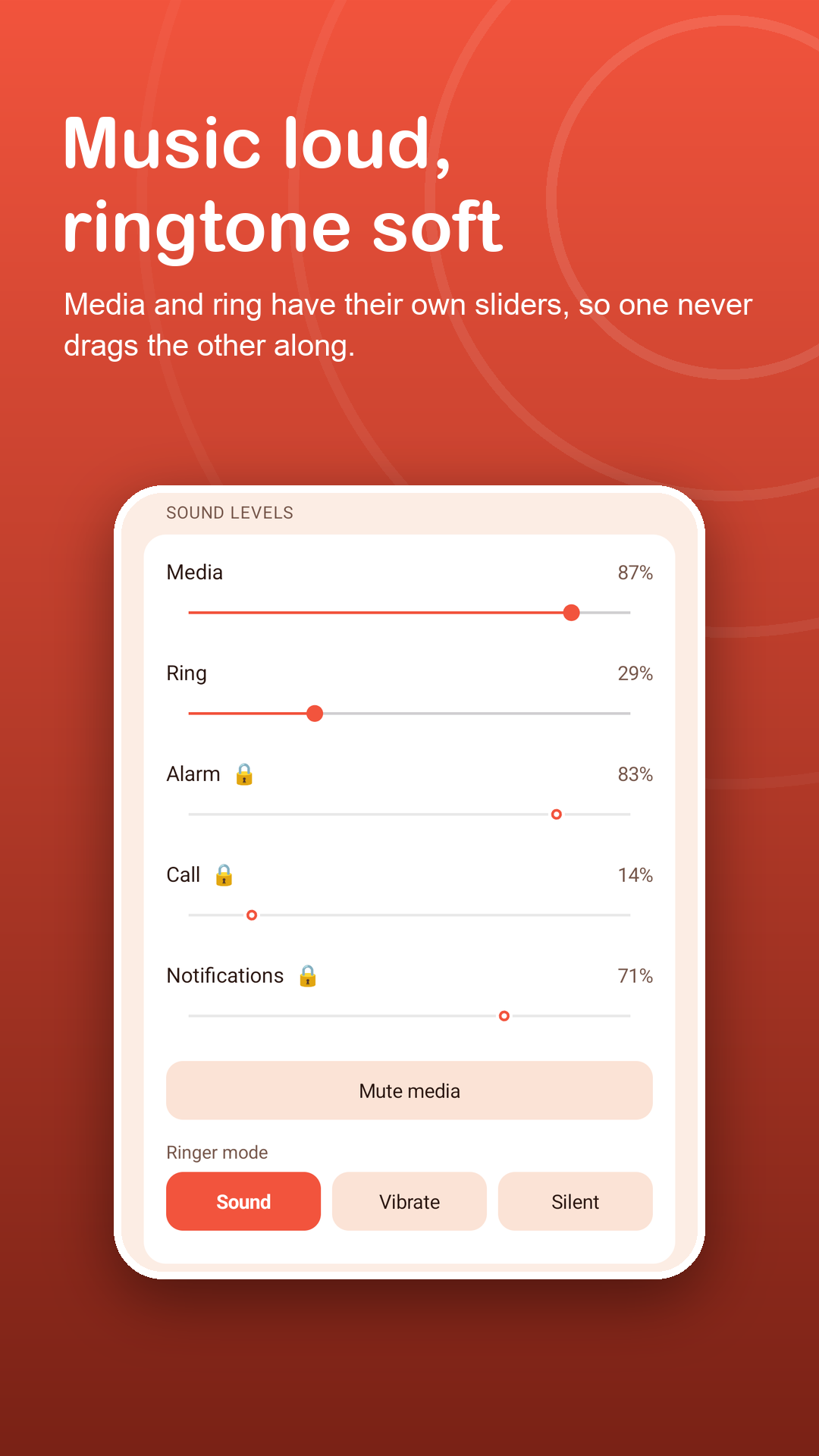
Music loud, ringtone soft.
Set media and ring volume separately, switch Sound, Vibrate or Silent, and tap floating + and − buttons while a video keeps playing.
Free · Android 7.0+ · no accessibility service
Screenshots
All your sound levels, side by side.
How it works
From side keys to sliders in three steps.
Turn the buttons on
Allow Display over other apps and small + and − buttons float above every app.
Tap while you watch
Each tap steps media volume up or down without pausing the video or song.
Hold to open the panel
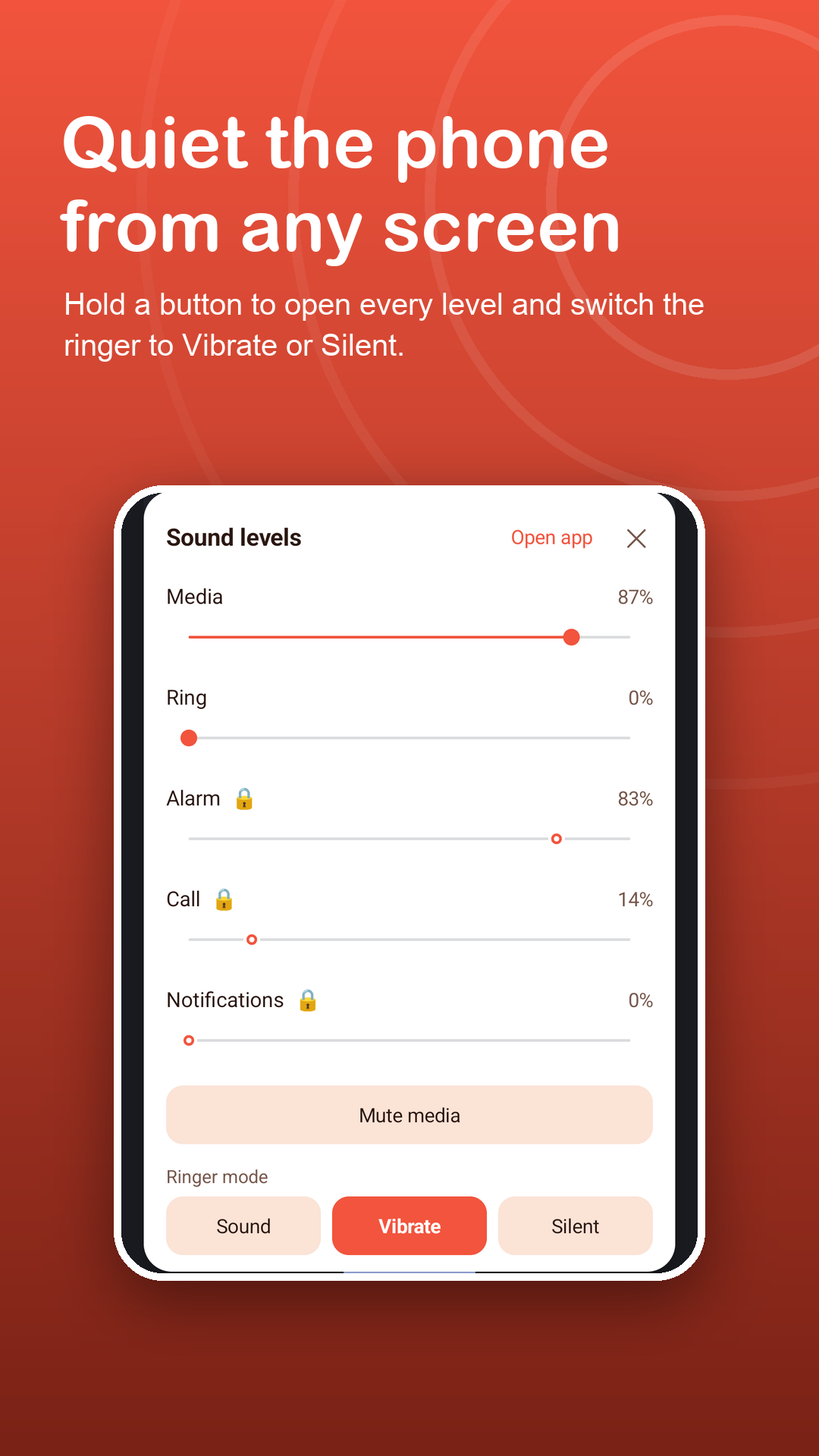
Sliders for each sound, a media mute switch and ringer mode open right where you are.
Features
Each sound gets its own slider.
Separate levels
Media and ring sliders are free, with media mute. Premium adds alarm, call and notification for all five levels.
Ringer mode in a tap
Switch between Sound, Vibrate and Silent before a meeting, a class or a film.
Clear picture
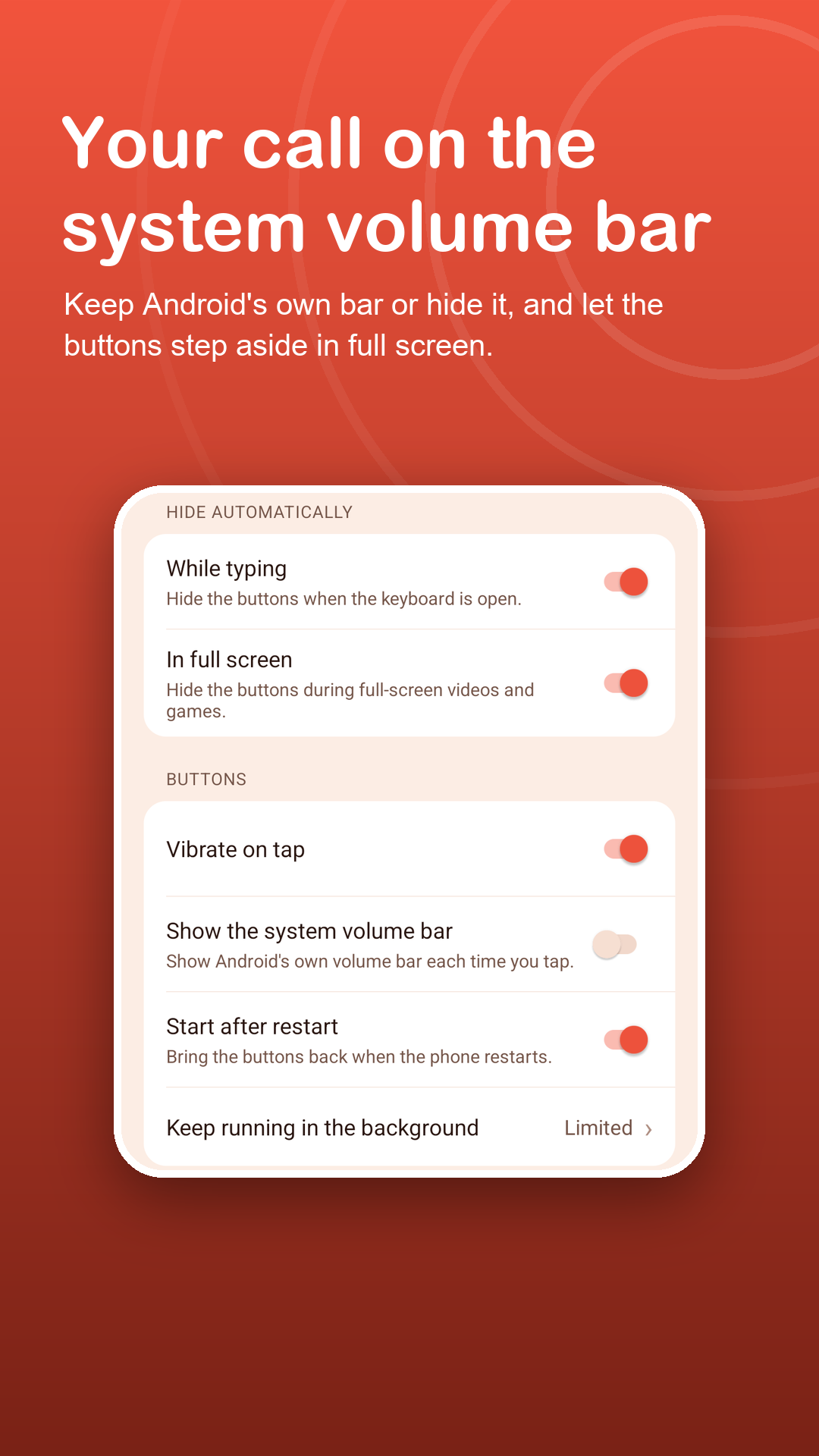
The buttons hide during full-screen video and games and step aside for the keyboard. Both can be turned off.
Your choice of feedback
Show Android's own volume bar on each tap or keep the screen clean. A light vibration is optional.
Controls everywhere
Notification controls with −, + and Show/Hide, a Quick Settings tile and a home-screen widget.
Looks that blend in
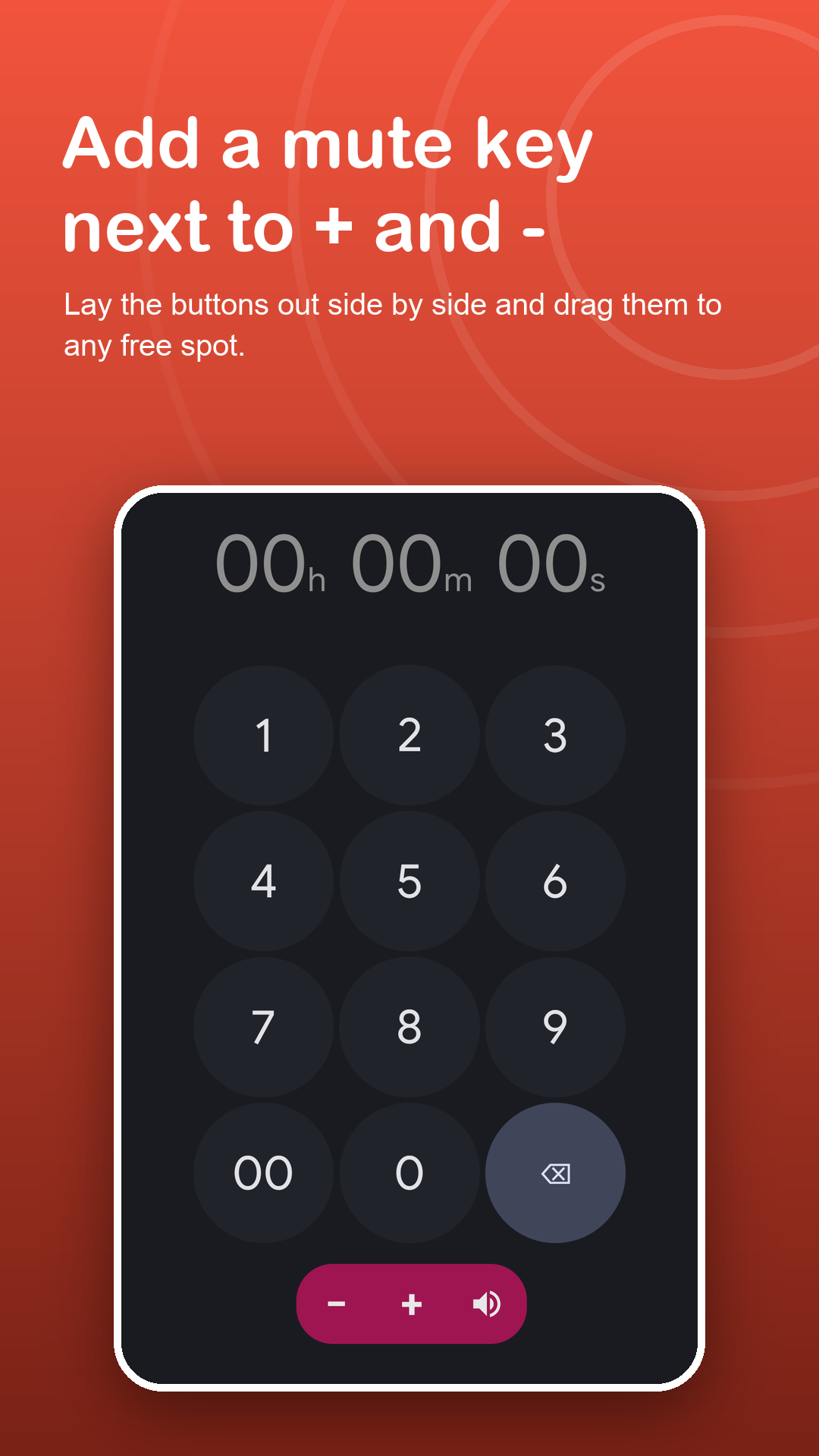
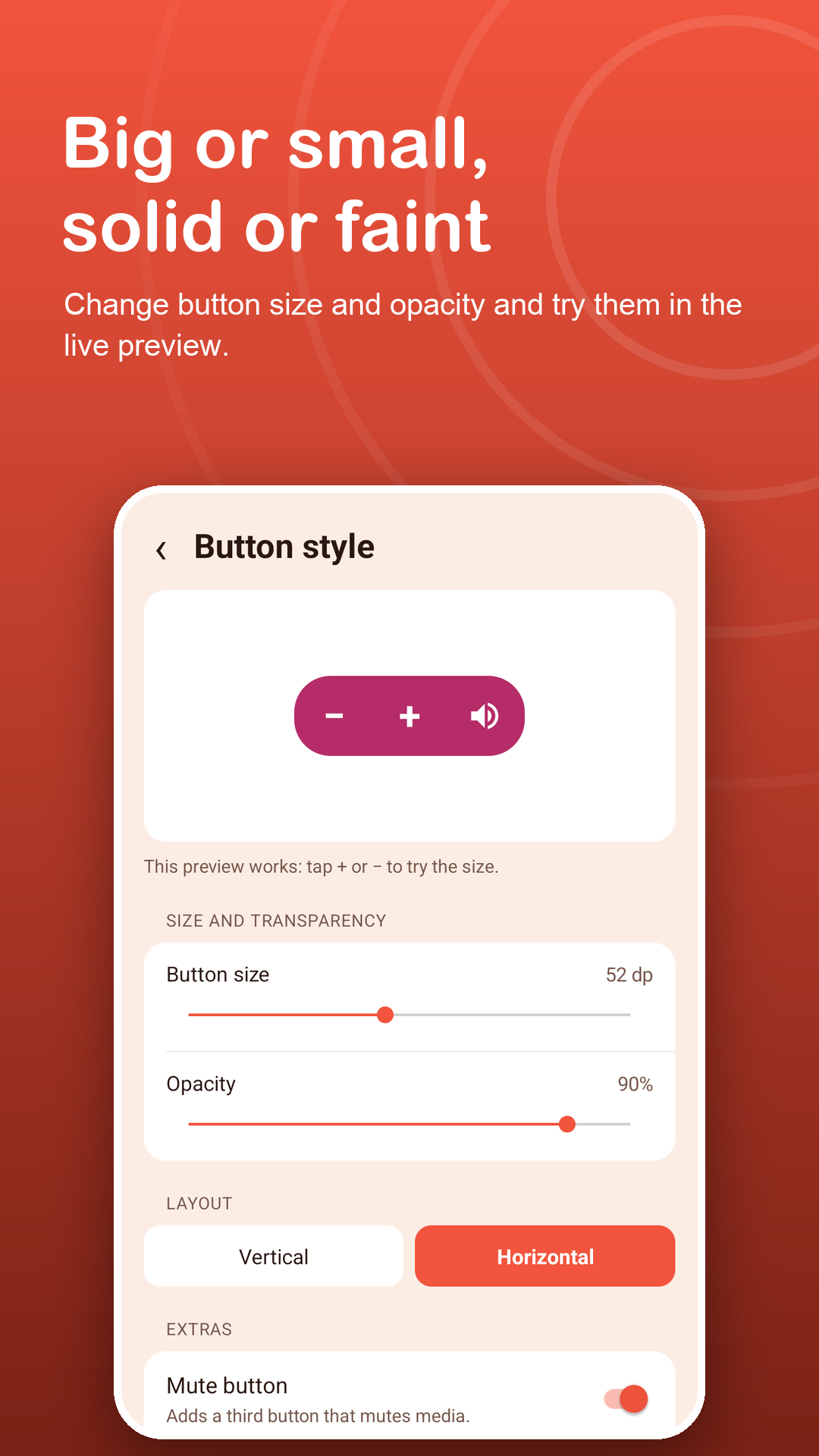
Size, opacity, vertical or horizontal layout and an optional mute button. Premium adds six colors, including Glass.
Privacy
It sets your sound levels. That is all.
No accessibility service, no account, and nothing on your screen is read. Do Not Disturb access is asked for only when you pick Silent, because Android handles Silent through Do Not Disturb. Read the privacy policy.
FAQ
Fair questions.
Which sound levels can I change?
Media and ring for free, plus media mute and ringer mode. Premium adds alarm, call and notification sliders.
Will the buttons cover my video?
They hide during full-screen video and games and come back when you leave full screen. You can turn this off in Settings.
Does it boost volume above the maximum?
No. It sets the same system levels as the side keys.
Why is Do Not Disturb access needed for Silent?
Android treats Silent as a Do Not Disturb change. The app asks only when you choose Silent; Sound and Vibrate never need it.
Does it use the Accessibility API?
No. The floating buttons use Display over other apps.
Can I cancel Premium?
Yes. Monthly and yearly plans renew automatically until you cancel them in Google Play. Lifetime is a one-time purchase.